Amazon Alexa Photo Frame: Google Photos, Prime & Setup
Amazon’s new smart photo frame brings Alexa voice search, automatic photo curation and family sharing to a 10-inch display. But if your pictures live in Google Photos—or you live outside the US—there are important things to check before spending $199.99.
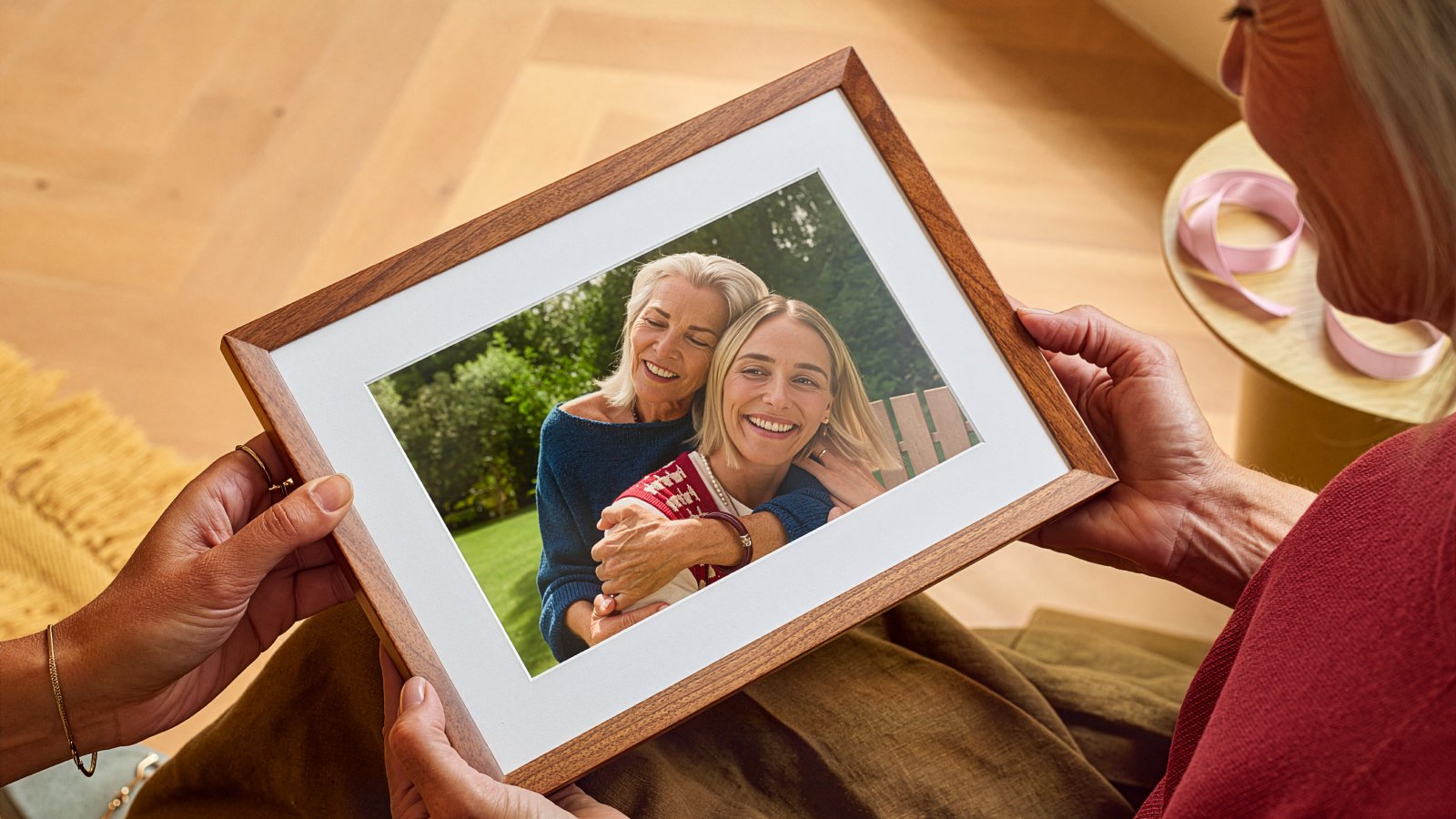
Is the Amazon Alexa Photo Frame right for you?
Answer these quick questions before buying. The checker is a practical guide based on the launch information, not a compatibility guarantee or hands-on review.
Photo frame compatibility checker
Choose your country, where your photos live and which features matter to you.
Your initial recommendation
Choose your situation above to see the main compatibility checks and the best next step.
Amazon Alexa Photo Frame price: what do you actually pay?
Advertisements
Amazon’s 28 October 2026 announcement lists the frame at $199.99 for black and $229 for the real birch or walnut finish in the United States. Prices, stock, shipping and taxes can change, so verify the live Amazon listing before checkout. Source: Amazon.
| Cost or requirement | What to know | Why it matters |
|---|---|---|
| Hardware | $199.99 black; $229 birch or walnut at US launch | The wood finish is a $29.01 premium over black at those listed prices. |
| Amazon Photos basic storage | Amazon customers receive 5 GB of storage for photos and videos | Large libraries may need a storage plan, selective uploads or Prime benefits. |
| Prime storage benefit | Prime members in supported countries get unlimited full-resolution photo storage plus 5 GB for videos and other files | Videos still count against the separate storage limit; the frame displays photos, not video. |
| Alexa+ | Each frame includes 90 days of Alexa+; certain smart curation and assistant features require it | Check trial terms and what happens after the included period before buying. |
| Outside the US | No local launch price or date was confirmed in Amazon’s launch announcement | Do not assume US availability, warranty, Alexa+ features or Prime benefits transfer unchanged. |
Storage terms are country-specific. Amazon’s support page describes the 5 GB free tier and the Prime/Alexa+ storage benefit as available in select countries. Check your local Amazon Photos account and checkout terms. Amazon Photos storage rules.
Is Prime required for every photo?
Not necessarily. The standard Amazon Photos account includes 5 GB, so you may be able to try a small curated library without Prime. The more important distinction is between ordinary photo storage/display and Alexa+ features. Amazon says certain features require Alexa+ and includes a 90-day trial with the frame. Confirm the current feature list and post-trial terms at checkout.
Will it keep charging after 90 days?
The announcement confirms an included 90-day Alexa+ period, but do not assume every account has identical renewal terms. Review the order page and trial confirmation for the renewal date, subscription price and cancellation steps. Put a reminder in your calendar if you only want to test the advanced features.
Does the Alexa Photo Frame work with Google Photos?
How to move selected Google Photos pictures to the frame
- Export your pictures from Google Photos. For a large library, use Google Takeout and select Google Photos. For a small number of pictures, download selected images directly from Google Photos. Google’s guide explains both options.
- Unzip the export on a computer. Pick the actual photo files you want to display. Google Takeout can include JSON sidecar files with extra metadata; do not assume the frame will recreate your original Google Photos albums, comments or organisation automatically.
- Upload the photos to Amazon Photos. Use the Amazon Photos website or desktop app and sign in to the Amazon account that will be linked to the frame. Open Amazon Photos.
- Add the photos to the frame. In the Amazon Photos app, open Devices, select the Alexa Photo Frame, tap the add (+) option and choose individual photos or a collection. For exact control, add individual photos instead of an automatically curated Highlights collection.
- Check the result before deleting anything. Keep the originals in Google Photos until you have confirmed the wanted pictures display correctly. New Google Photos pictures will not automatically flow through a manual export; repeat the transfer or use Amazon Photos as your ongoing backup source.
Google’s export instructions: How to download your Google data. Amazon’s add-photo steps: Adding photos to Alexa Photo Frame.
Will Google Photos albums and edits transfer perfectly?
Do not count on a one-click mirror of your Google Photos library. Exported originals can be uploaded, but album structure, comments, shared links, edits and metadata stored separately in an export may need extra work. For a clean frame, start with a small test folder—family favourites, holidays or a single album—before moving thousands of pictures.
What about iPhone, iCloud Photos and Android?
Use Amazon Photos with full photo access
Amazon’s app can back up the iPhone camera roll, but if originals are stored only in iCloud, the phone may need to download them before they can upload. Check iOS Photos permissions and confirm the wanted originals are available. Amazon has not described the frame as a separate Apple Photos display device; its listed workflow runs through Amazon Photos.
Back up the camera roll
Install Amazon Photos, sign into the right Amazon account and enable the required photo permissions. You can use Auto-Save to back up the camera roll, then select the photos or collections to display on the frame. Review upload settings first if you do not want every phone photo included.
Upload a chosen folder
Amazon Photos offers desktop backup for folders on Windows and Mac, as well as manual upload through supported devices. This is usually the cleanest route for a curated folder of scanned family pictures or selected exports from another service.
Choose one ongoing source
If your family photos are split across Google Photos, iCloud and local disks, keep a separate curated album for the frame. Upload the selected originals to Amazon Photos, then decide which service remains your primary backup. Avoid assuming a single change syncs backwards to every original service.
What can the Alexa Photo Frame actually do?
Unlike a conventional digital frame, this model combines a photo display with Alexa voice controls. The best feature is not just the touchscreen; it is the option to let Alexa+ curate photos or retrieve them with a natural-language request. Those advanced features depend on availability and Alexa+ eligibility. Amazon’s feature announcement.
What it can do
- Display selected photos and photo collections on a 10-inch HD touchscreen.
- Use a semi-matte anti-glare finish and ambient-light sensing to adjust brightness.
- Find photos using voice requests about people, places, trips and moments, where Alexa+ features are available.
- Automatically select highlights and skip low-quality images, documents and screenshots.
- Keep selected people or collections refreshed as new pictures are added to Amazon Photos.
- Show photos side by side, swipe through pictures and attach voice notes through the supported app workflow.
- Allow invited family and friends to contribute images.
What it does not replace
- It is not a general-purpose Echo Show screen for weather, timers, alarms or currently playing music information.
- Amazon’s setup guide says video and motion photos are not supported; it displays still photos only.
- It is not a live Google Photos mirror. Imported Google Photos images need to be uploaded to Amazon Photos.
- It needs Wi-Fi and the Amazon Photos app for setup and photo management.
- It is not a completely hands-off frame if you want precise control: select individual photos instead of an auto-curated collection.
Source: Amazon setup and photo limitations.
Display and design
Amazon confirms a 10-inch HD touchscreen, semi-matte anti-glare finish, soft-white matting and real wood options in birch or walnut, plus a black option. Launch coverage lists the resolution as 1280 × 800 pixels. The ambient-light sensor adjusts brightness through the day. This is designed to look more like a framed print than an always-on smart display, but the 10-inch screen is smaller than many tablets and larger digital frames. Tom’s Guide launch report.
Can voice notes be recorded directly on the frame?
Amazon promotes voice notes associated with individual photos. At launch, reporting says voice notes can be recorded in the Amazon Photos app and played with the photo; direct recording on the frame itself was described as a future feature. If recording voice notes on the device is essential, verify the latest software and support instructions rather than assuming the launch description means every method is already available. The Verge’s launch coverage.
Can the frame show photos from a shared family album?
Family sharing is a central use case. You can invite collaborators so relatives can add new photos remotely. However, collaborators can see photos on the frame and manage other collaborators; Amazon warns that collaborators can invite or remove people, including the original owner. Invitation links expire after seven days, but anyone with the link can join before expiry. Only share the link with people you trust. Amazon’s collaboration rules.
How to set up the Amazon Alexa Photo Frame
Advertisements
Amazon’s setup guide requires the frame, stand, power adapter, Amazon Photos app, Amazon account and an internet connection. The supported setup runs through a QR code on the display. Official Amazon setup instructions.
- Plug it in and connect to Wi-Fi. Select the device language and follow the initial prompts.
- Scan the QR code using your phone. It opens or prompts you to install the Amazon Photos app.
- Sign in and choose photos. Confirm you are using the Amazon account where the wanted images are stored; grant the photo permissions needed by your device.
- Choose individual pictures or a collection. Highlights collections can add new photos automatically, while individual selections give you tighter control over what appears.
- Invite collaborators carefully. Add trusted family members through the app. Explain that anyone with the active invite link can join and that collaborators have meaningful management permissions.
- Test before gifting. Confirm the recipient can complete the gift-code setup and that preloaded photos and the voice message appear correctly.
Buying it as a gift: can you preload photos?
Yes. Amazon describes a gifting workflow that lets the purchaser preload photos and optionally include a message. The recipient uses a code to finish setup. This is especially relevant for grandparents or relatives who may not want to organise a photo library themselves. Check the purchase screen for the gift option and follow Amazon’s current instructions; do not assume a separately purchased device can always be preloaded later in exactly the same way. Gift setup steps.
Privacy: microphone, photo recognition and family access
The frame includes microphones and a physical microphone enable/disable button. Amazon’s support guide says a blue light appears when Alexa is listening, and a red mute indicator confirms the microphone is off. You can review or delete Alexa voice history through Amazon’s privacy tools. Amazon’s privacy and support section.
Before using voice features
- Locate and test the physical mic-mute button.
- Review the Alexa voice-history controls in your Amazon account.
- Decide whether voice search is worth enabling in a bedroom or shared space.
- Remember that automatic photo curation uses image recognition; check the available privacy/settings options for your account and location.
Before inviting relatives
- Only share collaboration links with trusted people.
- Explain who can view and add photos.
- Review collaborators periodically.
- Do not add private or sensitive photos to a family frame without considering who can access it.
Amazon Photos documents image-recognition features and says availability can vary by location. The service states recognition is switched on by default except for Illinois residents, where it is off by default; local rules or settings may differ. Check the current settings and privacy information instead of assuming the same defaults apply everywhere. Amazon Photos feature and recognition details.
Is the Amazon Alexa Photo Frame available in the UK, Canada or Australia?
At launch, the confirmed price and availability are for the United States. Amazon’s announcement gives US prices in dollars but does not publish a UK, Canadian or Australian retail price or release date. T3 reported on 28 October that the device was available only in the US at that time. As launch regions can change, check an official local Amazon store for a later announcement before making plans. Amazon announcement · T3 availability report.
| Market | Position as of 29 Oct 2026 | What to do |
|---|---|---|
| United States | US launch prices announced: $199.99 black; $229 birch or walnut | Check stock and final price on the official US product page. |
| United Kingdom | No UK launch date or official local price confirmed in the announcement | Do not treat US pricing as a UK price; confirm local stock, warranty and Alexa+ support. |
| Canada | No Canadian launch date or official local price confirmed in the announcement | Check the Canadian Amazon store for an official listing before considering import. |
| Australia | No Australian launch date or official local price confirmed in the announcement | Check the Australian Amazon store and local support/plug requirements. |
Importing a US unit may add shipping, import taxes, return complications, warranty limitations and region-specific service questions. Alexa+, Amazon Photos benefits and image-recognition features are not guaranteed to be identical across countries. For buyers outside the US, waiting for confirmed local availability may be safer than treating an unofficial seller listing as a local launch.
Who should buy it—and who should skip it?
It may suit you if…
- You already keep photos in Amazon Photos or are happy to upload a curated selection.
- You want photos to refresh automatically for family members.
- You like voice search, image curation and voice notes.
- You want a frame that looks decorative and can be set up as a gift.
- You accept a 10-inch still-photo display and the Alexa+ feature conditions.
Think twice if…
- Your entire library lives in Google Photos and you expect live, automatic syncing.
- You want the frame to play videos or show weather and music widgets.
- You do not want a microphone-enabled device in the room.
- You need to buy it now in a country with no confirmed local launch.
- You need to control every image but do not want to curate individual photos or albums.
Ready to check the listing?
Confirm the current price, finish, delivery region and included Alexa+ terms on Amazon before ordering.
This is a research-based buyer guide, not a hands-on review. We have not independently tested photo quality, reliability, latency or long-term subscription behaviour. The recommendations are based on the manufacturer’s published information and launch reporting linked on this page.
Amazon Alexa Photo Frame: frequently asked questions
Does the Amazon Alexa Photo Frame support Google Photos directly?
Does the Alexa Photo Frame require Amazon Prime?
Can it display iPhone and iCloud photos?
Can the Alexa Photo Frame play videos or Live Photos?
Can it show weather, timers, alarms or music?
Can family members send photos to it remotely?
Can I preload the frame before giving it as a gift?
Can I mute Alexa on the frame?
Is the Alexa Photo Frame available in the UK, Canada or Australia?
What is the screen resolution?
Official sources and further reading
Specifications, setup steps and service terms can change. We checked the following sources on 29 October 2026; use the official support pages for the latest instructions.
- Amazon News — Alexa Photo Frame announcement, features and US launch prices.
- Amazon Customer Service — setup, gift setup, microphone and privacy controls.
- Amazon Customer Service — adding photos, camera-roll access and photo limitations.
- Amazon Photos — storage, backup, image recognition and sharing features.
- Amazon Customer Service — automatic curation and Highlights collections.
- Amazon Customer Service — collaborator access and invitation links.
- Google Account Help — export and download Google Photos data.
- T3 — launch availability and buying considerations, published 28 October 2026.
- The Verge — independent launch coverage including Google Photos limitations.
- Tom’s Guide — screen resolution and launch details.
Editorial note: This page is an independent, research-based guide and is not sponsored by Amazon. Product availability, prices, subscriptions, software features and storage benefits may change by date and country. Check official terms before purchasing. Last fact-checked: 29 October 2026.